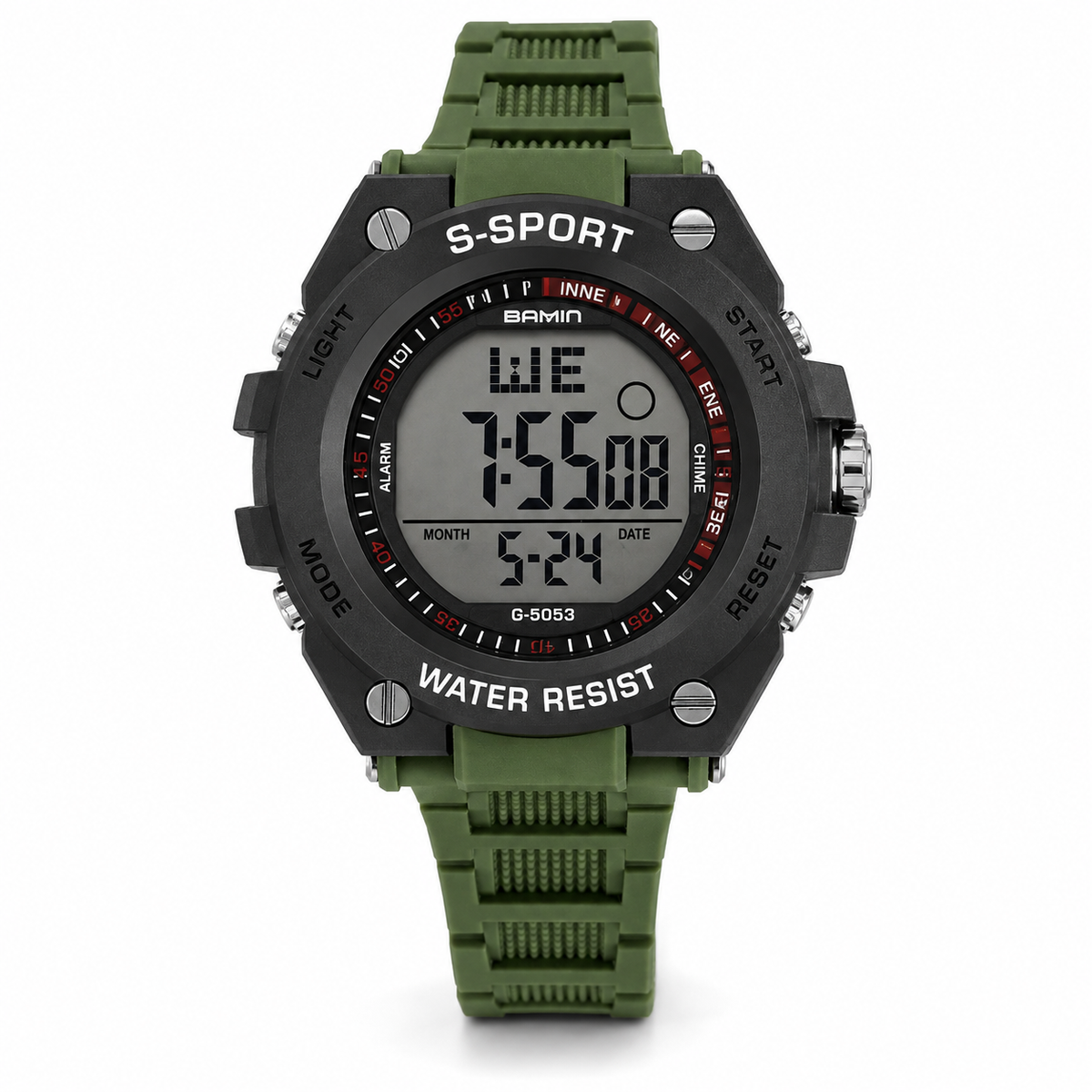
Digital Watch – Operating Instructions
Features
12-digit LCD display showing hour, minute, second, month, date and day of the week
Daily alarm and hourly chime
Snooze function
Selectable 12/24-hour time format
Automatic calendar
1/100-second stopwatch with split-time function
EL backlight
Button Functions
D / START: Start, stop or adjust values
AC / LIGHT + RESET: Backlight, reset and select settings
B / MODE: Change between operating modes
Backlight
Press and hold the AC (LIGHT/RESET) button for approximately 3 seconds to activate the EL backlight.
Stopwatch / Chronograph
Press MODE (B) until the stopwatch is displayed. Press START (D) to start or stop the stopwatch. When stopped, press AC to reset it to zero.
While the stopwatch is running, press AC to display a split time. Press AC again to return to the running stopwatch. Press MODE (B) to return to the normal time display.
Alarm & Hourly Chime
Enter Alarm Mode using the MODE (B) button. Press START (D) to switch the alarm or hourly chime on or off.
To set the alarm, press AC to select the hour or minute setting. Press START (D) to adjust the flashing value. Press AC to confirm, then press MODE (B) to return to the normal time display.
Snooze
When the alarm sounds, press AC or START (D) to stop it. Press MODE (B) to switch the snooze function on or off.
When snooze is activated, the alarm will sound again approximately 5 minutes later. The alarm automatically stops after approximately 20 seconds if no button is pressed.
Setting the Time & Date
Enter the Time Setting mode. When the seconds are flashing, press START (D) to reset the seconds to 00.
Press AC repeatedly to move through the settings:
Hour → Minute → Month → Date → Day of Week → Seconds
Use START (D) to adjust the selected flashing value.
When setting the hour, select H for 24-hour format or A/P for 12-hour format.
When resetting the seconds:
00–29 seconds: resets to 00 without changing the minute.
30–59 seconds: resets to 00 and advances the minute by one.